Screen time · 4 min read
Does grayscale really reduce screen time?
What a week of grayscale changed in one study, how to turn it on for iPhone, and the one habit it left alone.

The short version
Yes, by a little. In one study, a week of grayscale cut daily screen time by about 20 minutes, but people unlocked their phones just as often. Use it to shorten each visit, and plan for the moment you reach.
Why a gray screen might help
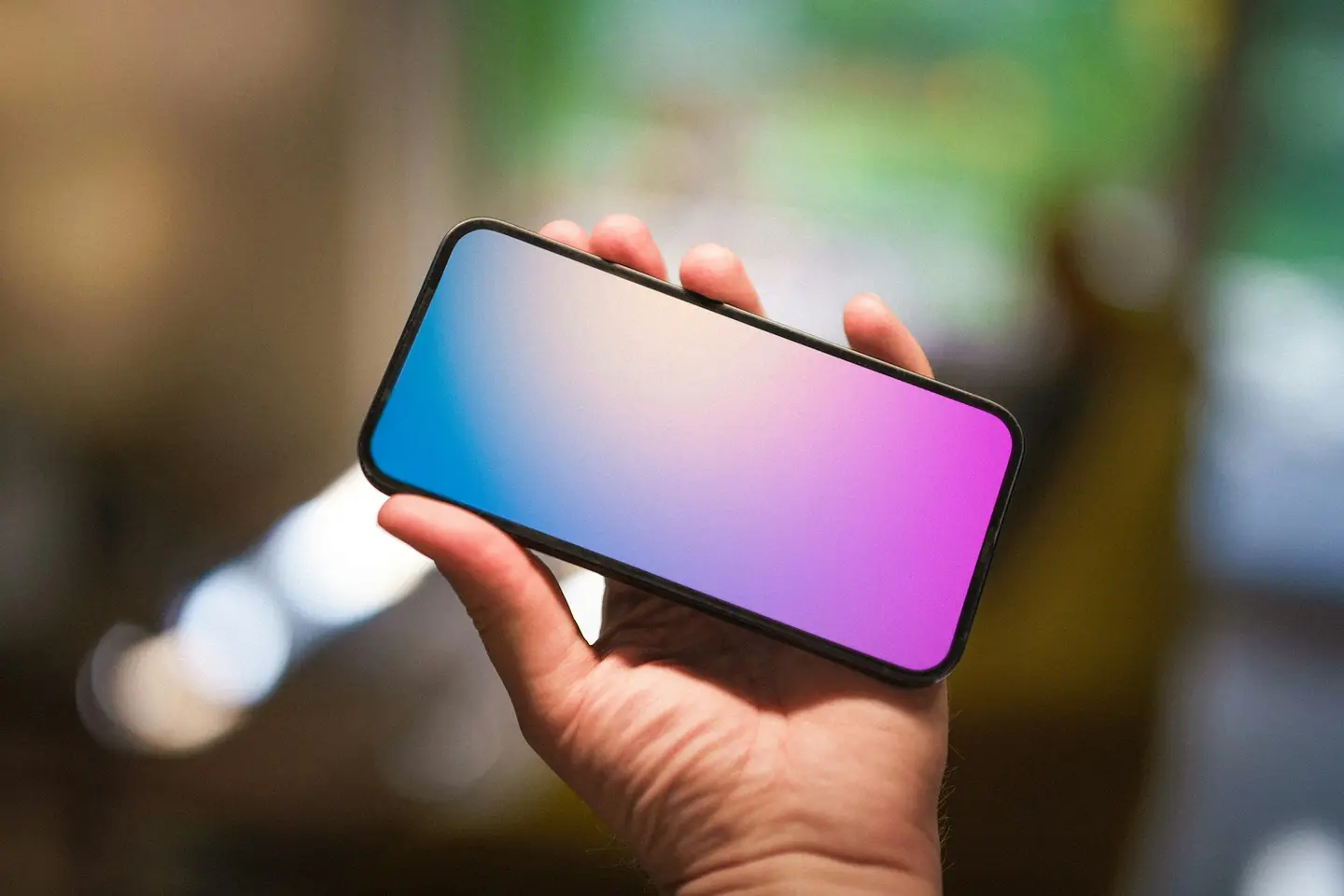
You may have read that a gray phone is a boring phone. Turn off the color, the idea goes, and the feed loses some of its pull, so you put it down sooner. It sounds almost too simple. It is also easy to test on your own phone tonight.
Your screen is full of bright color: red badges, glossy photos, and colorful buttons. A grayscale filter keeps every app working and takes that color away. Nothing is blocked. The phone just looks plainer.
So the useful question is not whether grayscale feels different. It does. The question is whether it changes how long you stay, and how often you come back.
What one week of grayscale changed
Researchers at the University of Amsterdam tracked the phones of 84 adults, most of them in their early twenties. Each person used their phone as normal for one week, then switched it to grayscale for a second week. An app logged screen time and unlocks.
Daily screen time fell by about 20 minutes, from a little under five hours. People also said they felt more in control of their phone, less like they were overusing it, and less stressed. Earlier studies that the authors cite also found drops.
Two other popular claims did not hold up. Sleep quality and productivity stayed about the same. On average, people rated grayscale as more annoying than helpful, and about half said they would rarely or never use it again.
Keep the limits in mind. The study lasted one week and used Android phones. Most volunteers already wanted to use their phones less, and there was no separate comparison group. It is a useful signal, not a promise about your phone.
How to turn on grayscale on iPhone
Grayscale is a color filter in the Accessibility settings, not part of Screen Time. If you already use a color filter for your eyesight, keep the one that works for you. Apple’s guides for iOS 26 and iOS 27 show the path below. Menu names can vary by iOS version.
Grayscale is not a blue light filter. It takes the color out of the picture, but it does not make the screen warmer. For warmer colors in the evening, Apple has a separate setting called Night Shift. Open Settings, then tap Display and Brightness.
- Open Settings, then tap Accessibility.
- Tap Display and Text Size.
- Tap Color Filters, turn on Color Filters, then choose the grayscale filter.
- When you need color for a map, a photo, or a chart, turn the filter off in the same place.
- Leave it on for a full week before you decide whether it helps.
Grayscale shortens the visit, not the reach
The most useful finding is the one that did not move. People unlocked their phones about 80 times a day in both weeks. They picked up the phone just as often. They simply put it down sooner.
The authors suggest that checking is a habit one gray week does not undo. So pair the filter with a plan for the reach itself. Pick one moment when you usually pick up your phone, and decide what you will do instead.
Then trust the numbers more than the feeling. In the study, people did not seem to notice that grayscale had cut their screen time, even though it had. Write down this week’s total from your Screen Time report, and compare it next week.
How Unhaze works on the reach
Unhaze works on when you open your apps, not on how they look. You choose your focus windows and your spend windows. Offline activities earn coins. You tap done, with no mandatory proof, and spend coins on your selected apps during spend windows. Coins do not expire.
Grayscale and Unhaze can sit side by side. One makes each visit plainer. The other gives the reach a plan. The app is still on its way. Today, turn on grayscale and write down your Screen Time total.
Sources & reading notes
These sources support the specific background points noted below. The practical suggestions and examples are Unhaze’s editorial guidance.
- Dekker and Baumgartner (2023): Is life brighter when your phone is not?
Open-access study of a one-week grayscale trial with 84 Android users. It does not evaluate Unhaze or iPhone. - Apple: Change display colors on iPhone
For color filters and grayscale. Steps checked against Apple’s guides for iOS 26 and iOS 27. - Apple: Adjust the brightness and color temperature on your iPhone or iPad
For Night Shift, which moves the display toward the warmer end of the spectrum.
Prepared with AI assistance for Unhaze. No medical claims or Unhaze effectiveness results are implied. Read our editorial approach.